
What is a Gaming Motherboard and How does it Work?

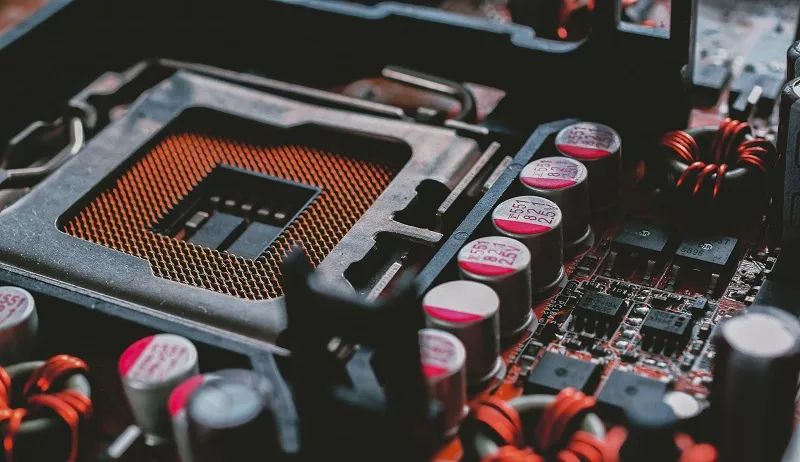
Gaming motherboard is responsible to keep various parts of a gaming desktop or a gaming laptop together. In this guide we will learn all about the different parts of the motherboard, how it functions, and also the technological developments of the gaming motherboard.
Let’s explore what motherboards are and what is their importance – with GCC Gamers.
Gaming Motherboard- A Definition
A motherboard is one of the most important components of any computer system. It houses many of the computer's critical components, such as the central processing unit (CPU), memory, and connectors for input and output devices. A motherboard's base is made of a very firm sheet of non-conductive material, usually rigid plastic. Traces are thin layers of copper or aluminum foil printed onto this sheet. These traces are extremely narrow and serve to connect the various components. A motherboard, in addition to circuits, contains a number of sockets and slots for connecting other components – such as the graphic card.
Parts of a Gaming Motherboard
If you opened up your computer and took out the motherboard, you'd probably be confused by all the different parts. It may look different depending on brand and model of your system.
You don't need to know every component of the motherboard to know how computers work. However, it is useful to understand some of the more important components, in addition to how the motherboard integrates the multiple components of a computer system.
Common Parts of a Gaming Motherboard
- A CPU socket - the CPU is soldered directly on to the socket. Because high-speed CPUs produce quite much heat, the heat sinks and fan mounting points are right next to the CPU socket.
- A power connector for powering the CPU and other important components.
- Memory slots for the system's main memory, which is usually in the form of DRAM chips.
- A chip serves as a link between the CPU, main memory, and other components. This is known as the Northbridge on many motherboards. This chip also has a substantial heat sink.
- A separate chip manages the (I/O) functions. It is not directly connected to the CPU, but rather to the Northbridge. The Southbridge is the name given to this I/O controller. Components on a Motherboard
The motherboards are built to support specific components such as CPUs and memory. They can house the majority of hard drives, and other peripherals.
Functions of Gaming Motherboard
A motherboard has a socket where a single or more processors could be plugged in. It has peripheral card slots for video cards, sound cards, and networking cards. It includes a chipset, which serves as an interface for all of a computer's subsystems. It contains the ROM, or permanent memory, that is used by BIOS (Basic I/O System) – a piece of memory that is not erased when the machine is powered off as it contains instructions that remind the computer what to do if it is turned back on. A motherboard also contains a clock generator, which is a type of electronic metronome which the computer needs to sync multiple operations.
It also houses the machine's more active memory RAM, which is used when running software. Finally, the motherboard has expansion card slots as well as power connectors that supply electricity to various parts (which includes high speed graphic card along with the disk drives, these get their power directly from the power supply).
Gaming Motherboard Compatibility
Different types of memory, CPUs, disk drives, video cards, and other peripherals are supported by different motherboards. When replacing a motherboard, ensure that all of the parts are compliant with slot and connector varieties on the motherboard. For example, the Computer's CPU on a motherboard will vary based on whether it supports Intel or AMD, and it will also differ between CPUs manufactured by the same company.
Disk drives use various connectors and standards. A motherboard will typically support IDE, SATA, or both. The expansion card slots will also differ, with latest models of PCI Express being the quickest. Read consultations and review sites on computer hardware forums to determine which motherboards perform perfectly with which hardware and which motherboards to avoid.
Performance of Motherboard
Most computer companies agree that, a motherboard has little impact on performance. However, updating a motherboard to assist a faster CPU, more memory, or quick video card as well as disk interfaces can significantly improve performance if one or more of those items are also replaced.
Motherboard for Gaming Desktop and Laptop
Motherboards are an important part of any computer system – or the more so for a gaming laptop or desktop. Gaming Motherboard is responsible for connecting all of the performance related parts of a computer system. Motherboards give circuitry and structure for RAM, GPU, SSD, and CPU to work.
Discussion (0)
No comments found.
Post a Comment
Your email address will not be published.
Related Articles
GPU Hierarchy 2026: The Ultimate Hardware Guide for UAE Shoppers
The ultimate guide to PC Components & Hardware for the AE community. Focusing on Video card selection with expert insights from GCC Gamers.
Ryzen 7 9800X3D vs. Core Ultra 9 285K - Here's What Stood Out
The clash of high-performance CPUs reaches new heights with AMD's Ryzen 7 9800X3D and Intel's Core Ultra 9 285K taking center stage. These cutting-edge processo...
RTX 5080 vs RTX 4080: A Next-Gen Showdown
The battle between NVIDIA's RTX 5080 and RTX 4080 is shaping up to be one of the most exciting comparisons in the GPU market. While the RTX 4080 is a powerhouse...
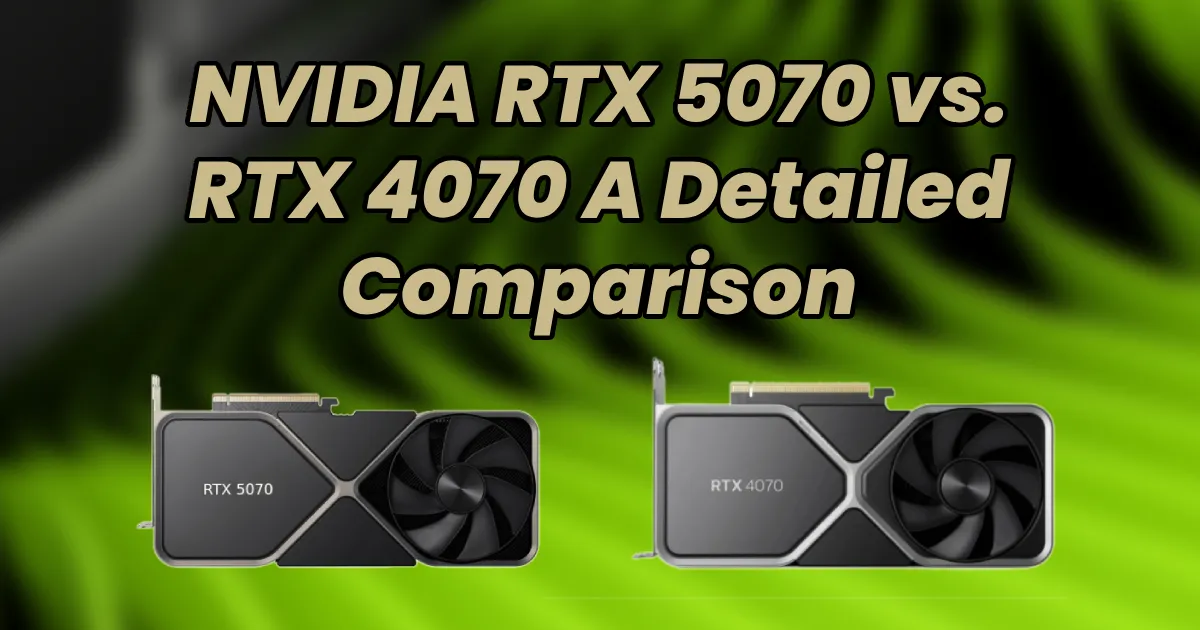
NVIDIA RTX 5070 vs. RTX 4070 – A Detailed Comparison
With NVIDIA’s RTX 5000 series entering the market, gamers and content creators are eager to see how the new GPUs stack up against their predecessors. The RTX 50...


