
How Can the ASUS ExpertCenter Pro ET900N G3 Accelerate AI Development?

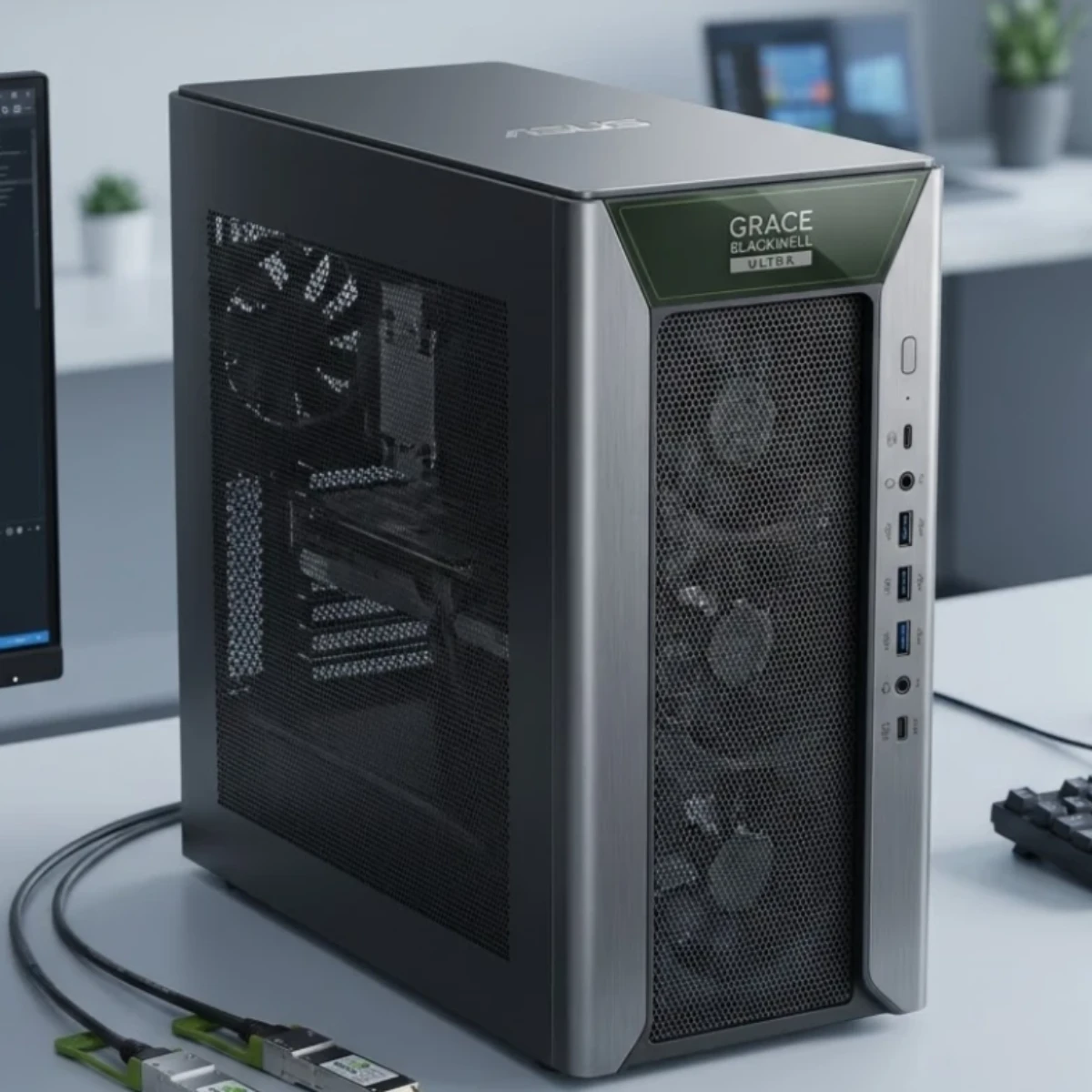
Artificial intelligence is transforming industries across the UAE and the wider GCC, from healthcare and financial services to smart manufacturing and infrastructure. As organizations develop more advanced AI applications, they need computing systems capable of handling demanding model training, inference, data processing, and experimentation. The ASUS ExpertCenter Pro ET900N G3 is designed to address these requirements with high-performance NVIDIA architecture, substantial coherent memory, and high-speed networking in a standard tower system.
Powered by the NVIDIA GB300 Grace Blackwell Ultra Desktop Superchip, this system offers a specialized platform for AI researchers, developers, data scientists, and businesses building next-generation AI solutions.
1. Powerful Computing for Demanding AI Workloads
The ASUS ExpertCenter Pro ET900N G3 combines the NVIDIA GB300 Grace Blackwell Ultra Desktop Superchip with NVIDIA Blackwell Ultra graphics architecture. According to the product datasheet, it delivers up to 20 petaflops of AI performance.
This computing capacity is designed to support demanding workloads such as AI model development, deep learning experiments, accelerated data analytics, and inference. Instead of relying solely on conventional desktop computing, development teams can use a platform built specifically for accelerated AI workloads.
For organizations developing intelligent applications, this can provide a powerful foundation for experimenting with models and supporting AI development pipelines. Actual performance depends on the model, software, workload, and configuration.
2. 748GB of Coherent Memory for Large Models
Memory capacity is an important consideration when developing and running large AI models. Models with extensive parameter counts and demanding workloads can require substantial memory for model weights, intermediate computations, and supporting data.
The ASUS ExpertCenter Pro ET900N G3 features 748GB of coherent memory, providing a large memory pool for supported AI development and inference workloads.
Its NVIDIA Grace CPU and Blackwell Ultra GPU architecture uses NVIDIA NVLink-C2C technology to facilitate high-speed CPU-GPU memory communication. This architecture helps support workloads that benefit from access to a large, coherent memory space.
For AI researchers and developers, the available memory capacity can provide greater flexibility when working with large models and complex datasets. The practical size of a model that can be trained or run depends on factors such as precision, architecture, context length, software requirements, and workload configuration.
3. A Specialized Platform for AI Developers
AI development involves more than running a model. Teams also need suitable software tools, development environments, libraries, and workflows for preparing data, testing models, evaluating results, and deploying applications.
The ASUS ExpertCenter Pro ET900N G3 runs Ubuntu with NVIDIA AI Developer Tools, providing a platform designed for AI development and deployment.
This software environment can support development workflows involving machine learning, deep learning, model experimentation, and AI application engineering. A consistent development platform can also help technical teams organize their work across research and deployment stages.
For startups and enterprise development teams, a system designed around AI software and accelerated computing can simplify the process of building and testing AI solutions. Compatibility should still be checked against the specific frameworks, libraries, and applications used by each team.
4. High-Speed Networking for Scalable AI Computing
Some AI workloads require more resources than a single system can provide. Large-scale development and experimentation may benefit from connecting systems to expand available computing resources and memory capacity.
The ET900N G3 includes NVIDIA ConnectX-8 networking, with two CX-8 network interface ports listed in the product datasheet. Its architecture supports high-speed connectivity for demanding data and AI workflows.
ASUS also identifies the ability to stack two ExpertCenter Pro ET900N G3 systems as a scaling option for greater memory capacity and model scalability. This can be relevant for organizations exploring larger AI workloads that benefit from a multi-system configuration.
The actual performance and scalability of connected systems depend on the supported configuration, networking setup, software stack, and workload. Businesses should confirm system-to-system requirements before planning a deployment.
5. Suitable for Enterprise AI Research and Deployment
The ASUS ExpertCenter Pro ET900N G3 is designed for organizations that want to develop AI capabilities across multiple business functions.
Potential application areas include:
- Healthcare and life sciences: Supporting AI research, medical-data analysis, and development of specialized analytical applications, subject to applicable privacy and regulatory requirements.
- Financial technology: Providing computing resources for model development, risk analytics, and supported financial data-processing workloads.
- Smart manufacturing: Helping engineering teams develop and evaluate AI applications for production analysis and automation.
- Smart cities and infrastructure: Supporting research into intelligent monitoring, data analytics, and AI-assisted infrastructure applications.
- Advanced research: Providing a computing platform for machine learning experiments and other accelerated computing tasks.
These are potential use cases rather than guaranteed outcomes. Suitability depends on the application, dataset, software, security requirements, and available infrastructure.
6. Tower Design for Business Environments
Despite its high-performance AI hardware, the ASUS ExpertCenter Pro ET900N G3 uses a standard tower form factor. Its dimensions are 232 × 584 × 565 mm, and its listed net weight is 27 kg.
This design gives businesses an alternative to building an AI development environment entirely around conventional server racks. It may suit dedicated development rooms, research facilities, engineering departments, and other professional environments with sufficient space, cooling, and power.
The system includes a 1600W Titanium ATX power supply. Organizations should account for electrical capacity, heat output, airflow, noise, and service access when choosing an installation location.
For storage, the system supports up to four M.2 2280 NVMe PCIe 5.0 SSDs, with a total capacity of up to 8TB according to the provided datasheet. Storage planning should consider the size of datasets, model files, checkpoints, and development assets.
7. Connectivity for Professional Workflows
The ET900N G3 provides a range of connectivity options for peripherals, networking, and system management. Listed interfaces include front USB Type-C and Type-A ports, rear USB Type-A ports, a 10Gb Ethernet connection, a dedicated 1Gb management LAN for the baseboard management controller (BMC), and a mini DisplayPort for BMC use.
It also includes audio connections and two ConnectX-8 network interface ports. Wi-Fi is optional rather than standard according to the supplied specifications.
These interfaces can help organizations integrate the system into existing development environments. Before purchase, teams should verify their required networking equipment, management workflow, peripherals, and expansion needs.
8. Is the ASUS ExpertCenter Pro ET900N G3 Right for Your Business?
This system is worth considering for AI developers, data scientists, research teams, and businesses planning substantial AI development or deployment projects. Its combination of the NVIDIA GB300 Grace Blackwell Ultra Desktop Superchip, 748GB of coherent memory, NVIDIA AI Developer Tools, and ConnectX-8 networking makes it particularly relevant to demanding AI workloads.
It may be more than a typical office or general-purpose workstation requires. Businesses focused on everyday productivity or lighter AI tasks should compare their actual computing requirements and total cost of ownership before investing in a specialized system.
Before making a decision, evaluate the AI models you intend to use, the memory those workloads require, the frameworks and software you depend on, your storage needs, and whether multi-system scaling is part of your roadmap.
Explore the ASUS ExpertCenter Pro ET900N G3 at GCC Gamers UAE
Businesses and professionals in the UAE can learn more about the ASUS ExpertCenter Pro ET900N G3 through GCC Gamers UAE. Review its product details to assess whether its AI computing capabilities align with your development, research, or enterprise deployment requirements.
You can also explore the wider range of workstations at GCC Gamers UAE to compare professional computing options for different workloads.
Before purchasing, confirm regional availability, the supplied configuration, warranty coverage, and software requirements. Choosing a system that matches your AI workload today—and your expected needs as projects grow—can help establish a practical foundation for AI development.
Discussion (0)
No comments found.
Post a Comment
Your email address will not be published.
Related Articles
How Can the ASUS ProArt GR1X Accelerate Local AI Development?
Explore ASUS ProArt GR1X features, NVIDIA AI performance, up to 128GB unified memory, and local AI development capabilities.
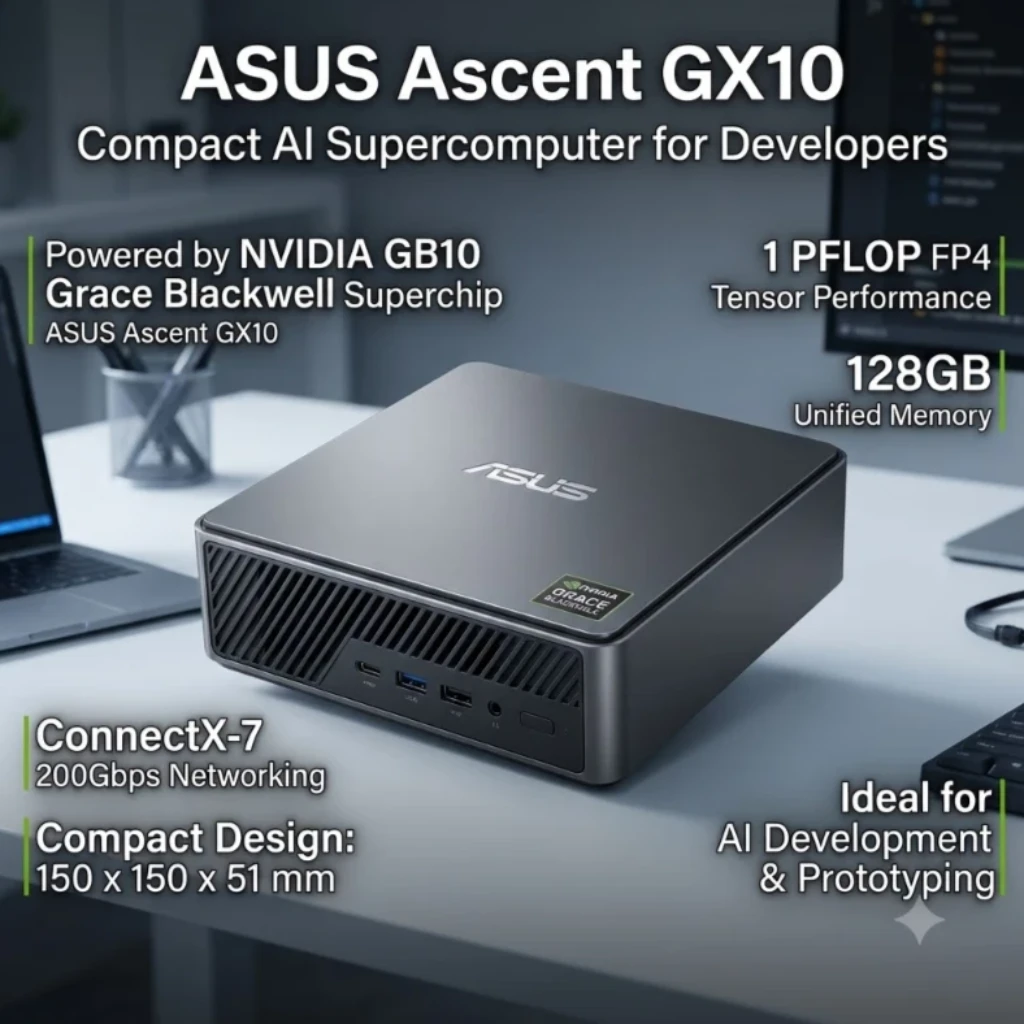
ASUS Ascent GX10: A Compact AI Supercomputer for Developers
Explore ASUS Ascent GX10 features, NVIDIA GB10 performance, 128GB unified memory, and AI development capabilities for professionals in the UAE.

How to Choose the Best AI Workstation in UAE for Your Business
Learn how to choose an AI workstation in UAE by comparing GPU, VRAM, CPU, RAM, storage, and configurations for your business.
Forget the Cloud: The Best Local AI PC Custom Builds for UAE Developers!
Why rent GPU clouds? Read our technical guide on building local deep learning workstations, multi-GPU configurations, and high-VRAM AI setups.


