
How to Choose the Best AI Workstation in UAE for Your Business


Artificial intelligence is transforming how businesses operate, from software development and data analysis to machine learning, automation, and content creation. Companies across the UAE are increasingly exploring AI tools to improve productivity, streamline operations, and support data-driven decision-making. Choosing the right hardware is an important step toward achieving these goals.
An AI workstation is a high-performance computer designed to handle demanding computing workloads, including AI model development, inference, data processing, and advanced simulations. However, not every workstation is suitable for every AI application. GPU performance, video memory (VRAM), processor capabilities, system RAM, storage, and cooling all influence the performance of the complete system.
This guide explains how to choose an AI workstation for your business, which specifications matter most, and how to select a configuration that meets your requirements and budget.
1. Identify Your Business AI Requirements
Before investing in an AI workstation, identify the applications and workloads your business intends to run. Different tasks require different levels of computing power, so understanding your requirements helps you avoid purchasing unnecessary hardware or choosing a system that cannot handle your projects.
Common AI workloads include:
- AI development: Building, testing, and deploying AI-powered applications.
- Machine learning: Training models, analysing datasets, and running experiments.
- Large language models (LLMs): Running language models locally for research, assistants, and business applications.
- Computer vision: Analysing images and videos for object detection, inspection, and recognition.
- AI-assisted content creation: Generating images and supporting creative production workflows.
- Data analytics: Processing large datasets and developing predictive models.
For example, a software development team experimenting with smaller models may not need the same hardware as a research team training complex neural networks. Start by listing your applications, expected dataset sizes, number of users, and performance requirements before comparing workstations.
2. Choose the Right GPU and VRAM
The graphics processing unit (GPU) is one of the most important components in many AI workstations. GPUs accelerate parallel computations used in deep learning, model inference, image generation, and other intensive applications.
GPU memory, known as VRAM, is equally important because it determines how much model data and associated information can fit directly on the graphics card. Insufficient VRAM can restrict the size of models you can run or require techniques such as quantization and memory offloading.
Consider these general guidelines when evaluating GPU memory:
- 8GB–16GB VRAM: May suit selected entry-level development tasks, smaller models, and lighter inference workloads.
- 24GB–32GB VRAM: Can accommodate a wider range of AI applications and more demanding inference tasks.
- 48GB–96GB VRAM: Worth considering for advanced research, larger models, and memory-intensive professional workloads.
These ranges are indicative rather than fixed requirements. Actual needs depend on model size, precision, batch size, software, and whether you are training models or running inference.
When choosing a GPU, also review its supported software ecosystem, computing capabilities, power consumption, and compatibility with your applications. A powerful graphics card is valuable only when it suits the workload you intend to run.
3. Select a Suitable Processor
Although the GPU accelerates many AI operations, the central processing unit (CPU) remains essential. It manages operating-system tasks, prepares data, runs applications, and coordinates other processes that support GPU computing.
AMD Ryzen and Intel Core processors can be suitable for many AI development and inference workloads. For more demanding professional applications, processors such as AMD Ryzen Threadripper and Threadripper PRO offer options with higher core counts and workstation-oriented platform capabilities.
When evaluating a processor, consider:
- Core count and performance for your applications.
- Memory capacity and supported memory technology.
- PCIe connectivity for GPUs and expansion cards.
- Compatibility with the motherboard and other components.
- Performance during sustained workloads.
Do not select a processor based on core count alone. Some applications benefit more from single-thread performance, while others can use many cores effectively. Match the processor to your software and overall workstation configuration.
4. Determine the Required System RAM
System memory supports datasets, development environments, applications, and processes that run alongside the GPU. Insufficient RAM can slow down data preparation and limit the amount of information your system can handle simultaneously.
As a general starting point:
- 32GB RAM: May be sufficient for selected entry-level development projects.
- 64GB RAM: A practical option for many professional development and data-processing tasks.
- 128GB RAM: Worth considering for larger datasets and more demanding workflows.
- 256GB RAM or more: May benefit advanced research and memory-intensive applications.
Your actual requirements depend on dataset size, application behaviour, multitasking, and whether workloads use system memory to supplement GPU memory.
Some professional environments may also benefit from error-correcting code (ECC) memory, which detects and corrects certain types of memory errors. Confirm processor and motherboard support before selecting ECC memory.
5. Consider Storage, Cooling and Power
AI projects can involve large datasets, model checkpoints, software libraries, and generated files. Storage capacity and speed therefore influence the overall workflow.
NVMe solid-state drives (SSDs) are a strong option for frequently accessed datasets, applications, and model files. Choose enough capacity for current projects while allowing room for future growth. Businesses handling important research or customer data should also maintain reliable backups.
Cooling and power delivery are equally important. High-performance GPUs and processors can generate considerable heat during sustained workloads. A suitable cooling system and power supply help maintain stable operation under demanding conditions.
If your business expects to expand to multiple GPUs, check motherboard compatibility, PCIe slot availability, physical clearance, power capacity, and cooling requirements. Multiple GPUs do not automatically improve every workload; the application must be able to use them effectively.
6. Compare Workstations Based on Your Budget
The best AI workstation is not necessarily the most expensive system. It is the configuration that meets your performance requirements without unnecessary expenditure.
For businesses exploring professional AI hardware, the GCC Gamers AI Workstation features an AMD Ryzen Threadripper PRO 9995WX, 256GB DDR5 RAM, and an NVIDIA RTX 6000 Ada GPU with 48GB VRAM. This configuration may suit demanding professional AI workloads, depending on the software and models being used.
Another option is the GCC Gamers AI Development Workstation, featuring an AMD Ryzen Threadripper PRO 9995WX, 256GB DDR5 ECC RAM, and an NVIDIA RTX 5090 GPU with 32GB VRAM.
When comparing these or other configurations, evaluate the complete specifications rather than focusing on a single component. Consider GPU memory, CPU performance, system RAM, storage, cooling, upgrade options, software compatibility, and total cost.
Businesses should also account for operating expenses, electricity consumption, maintenance, and the expected useful life of the system. A workstation that meets current requirements while allowing practical upgrades may offer better long-term value than an unnecessarily expensive configuration.
7. Check Software Compatibility and Future Expansion
Hardware alone does not determine whether an AI workstation will perform well. The system must support the operating system, drivers, libraries, and frameworks required by your team.
Before purchasing, verify compatibility with tools such as PyTorch, TensorFlow, CUDA-based applications, local LLM software, and relevant professional applications. Requirements can vary by framework version and GPU architecture.
Future expansion is another important consideration. Check whether the system supports additional RAM, storage, or GPU upgrades. If your AI workloads are expected to grow, selecting a platform with suitable expansion capabilities can reduce the need for a complete replacement.
Businesses processing confidential information should also consider access controls, encryption, backups, and data-management practices. Running models locally can provide greater control over data processing, but privacy and security still depend on how the system is configured and managed.
Conclusion
Choosing the best AI workstation in the UAE starts with understanding your business objectives and technical requirements. GPU performance and VRAM are important for many AI applications, while CPU capability, system RAM, storage, cooling, and software compatibility contribute to overall performance.
Smaller development projects may work well with moderate hardware, whereas large language models, advanced machine learning, and research workloads can require substantially more memory and computing power.
Before making a decision, define your workloads, establish a realistic budget, and compare complete system specifications. Explore the GCC Gamers Workstations collection to evaluate suitable systems for AI development, machine learning, and other professional computing needs across the UAE.
Discussion (0)
No comments found.
Post a Comment
Your email address will not be published.
Related Articles
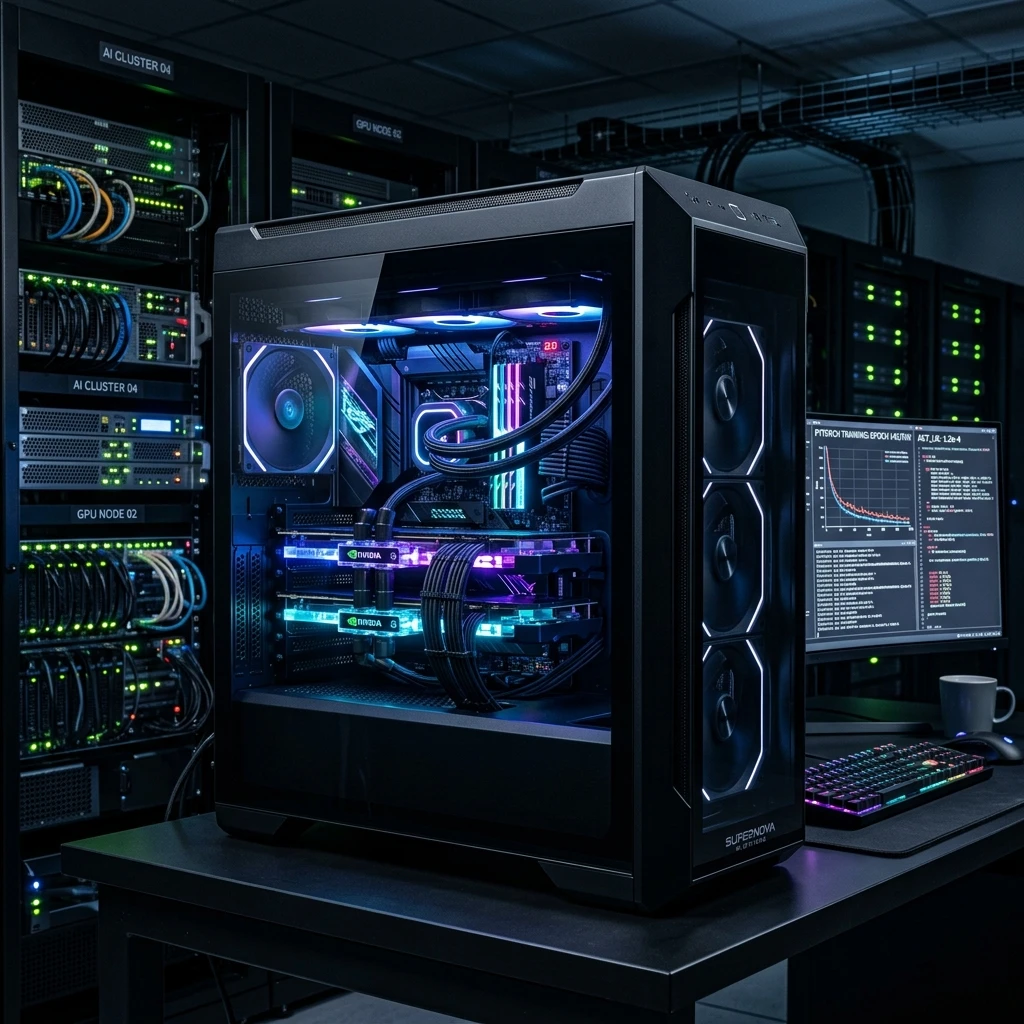
Forget the Cloud: The Best Local AI PC Custom Builds for UAE Developers!
Why rent GPU clouds? Read our technical guide on building local deep learning workstations, multi-GPU configurations, and high-VRAM AI setups.

Top School Laptops in UAE: The Ultimate Student Buying Guide (2026 Edition)!
Looking for the best school laptop in Dubai or Abu Dhabi? Read our review on student budgets, durability, and battery efficiency.
Build the Ultimate Dubai-Spec Gaming Rig in 2026: Hidden Secrets Store Clerks Keep Secret!
Looking for the best gaming desktop in Dubai? Read our expert guide on CPU bottlenecks, liquid cooling, and UAE custom PC builds.
Top 10 Gaming PC in UAE, Powered by ASUS: Dominate the Battlefield!
Explore the top 10 Powered by ASUS Gaming PCs in the UAE. Detailed reviews of custom ROG and TUF builds with free delivery in Dubai and Abu Dhabi.


