
How Can the ASUS ProArt GR1X Accelerate Local AI Development?

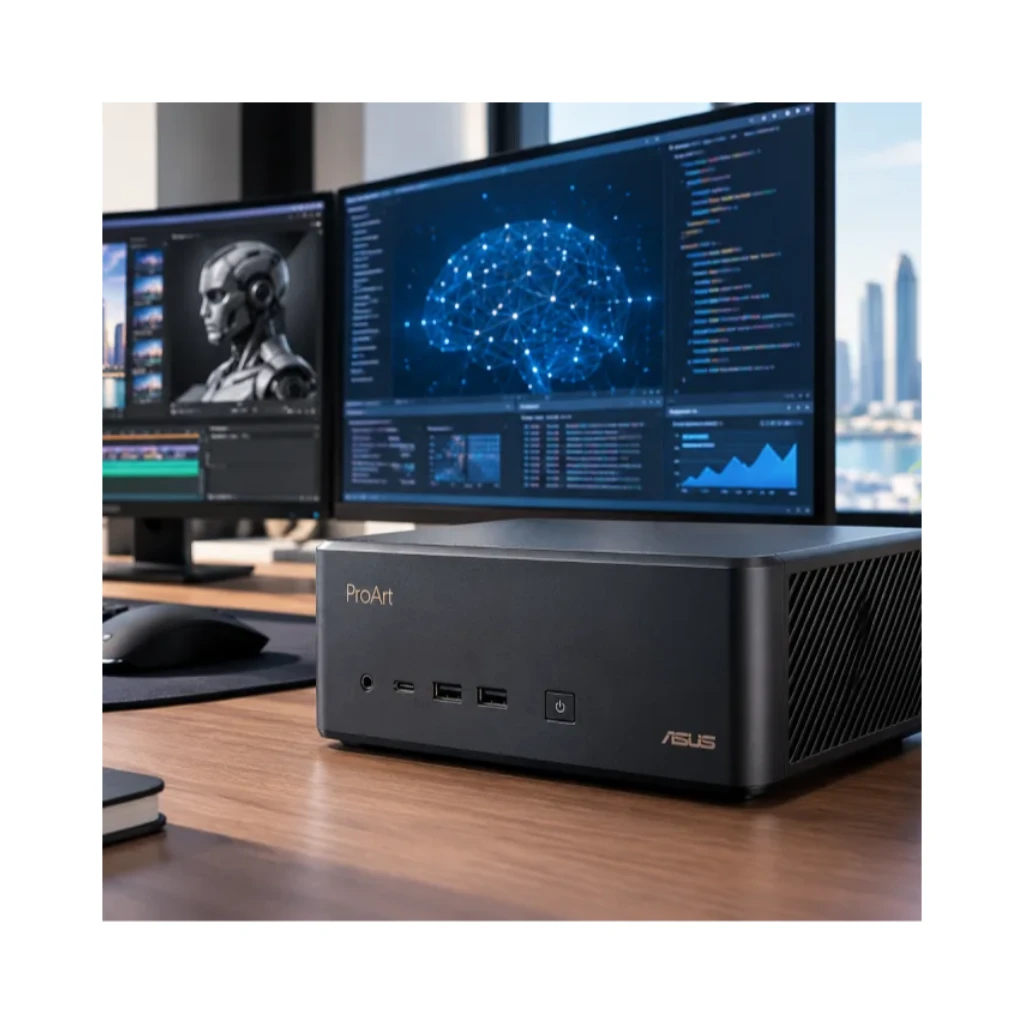
Artificial intelligence is changing how businesses, developers, and creative professionals build applications, automate tasks, and produce digital content. As AI models become more advanced, users increasingly need computing systems that can run demanding workloads locally while offering the memory capacity and performance required for experimentation. The ASUS ProArt GR1X is designed to address these needs by bringing accelerated AI computing into an exceptionally compact desktop system.
Powered by the NVIDIA RTX Spark N1X platform, with a Grace CPU and Blackwell RTX GPU architecture, the ProArt GR1X is designed for local AI development, agentic AI workflows, creative production, and advanced visualization. Its combination of unified memory, high-speed connectivity, and Windows compatibility makes it an option for developers and professionals who want to explore AI capabilities directly on their desktop.
1. Accelerating AI Development with NVIDIA Computing
One of the key features of the ASUS ProArt GR1X is its NVIDIA-based computing architecture. According to the supplied product datasheet, the system delivers up to 1 petaflop of FP4 AI performance.
This performance is designed to support demanding AI inference and AI-assisted development tasks. Developers can use local computing resources to experiment with supported models, test AI-powered applications, and evaluate different approaches during development.
Running AI workloads locally can also reduce dependence on remote computing services for compatible tasks. However, actual performance depends on the model, software framework, precision settings, and workload. The advertised peak performance should not be interpreted as a guarantee of application speed.
For developers working on AI tools, intelligent assistants, and experimental applications, the ProArt GR1X offers a dedicated platform for exploring accelerated computing in a desktop environment.
2. Supporting Local AI with Up to 128GB of Unified Memory
Memory capacity plays an important role in local AI development. AI models require memory for their weights, intermediate calculations, context, and other processing requirements. Insufficient memory can restrict the size of models that can be loaded or the complexity of workloads that can run efficiently.
The ASUS ProArt GR1X offers up to 128GB of LPDDR5X unified memory, with additional configurations of 32GB, 48GB, and 64GB. Its listed memory speed is 9400 MHz, with bandwidth of up to 300GB/s.
Unified memory provides a shared memory architecture for the system's CPU and GPU. This can be useful for supported AI workloads that benefit from a large memory pool accessible across computing components.
For developers, the available capacity may provide flexibility when testing language models, running local inference, and experimenting with AI-assisted applications. Nevertheless, the models and context sizes that can be supported depend on factors such as quantization, framework overhead, architecture, and available memory.
When selecting a configuration, users should consider the size of their intended models and whether they expect to work with more demanding AI workloads in the future.
3. Exploring Agentic AI and Intelligent Automation
Agentic AI systems are designed to carry out multi-step tasks, use supported tools, and coordinate actions toward a defined objective. These workflows may involve interpreting instructions, retrieving information, generating code, and interacting with other applications.
The ASUS ProArt GR1X is positioned for agentic AI development and local AI experimentation. Its combination of NVIDIA accelerated computing and substantial unified memory can provide a foundation for running compatible models and testing AI agent workflows.
Developers may use such a system to experiment with local assistants, coding tools, research workflows, and other applications that rely on AI inference. Creative professionals may also explore AI-powered tools that assist with content planning, image workflows, and repetitive production tasks.
The computer does not automatically provide every AI agent or development framework. Users must select and configure compatible software, models, and tools for their intended workflows.
4. Keeping More AI Workloads Local
Data privacy and control are important considerations for businesses working with internal documents, proprietary designs, source code, and other sensitive information. Cloud-based AI services can be useful, but some organizations prefer to process selected workloads within their own computing environment.
The ASUS ProArt GR1X supports local AI workflows, allowing compatible models and applications to run on the device rather than requiring every inference request to be sent to a remote service.
Potential benefits of local processing include greater control over where data is handled, reduced reliance on an internet connection for supported tasks, and the ability to experiment in a controlled development environment.
However, local hardware alone does not guarantee data security. Organizations should also implement appropriate access controls, encryption, software updates, network protections, and data-handling policies. Some applications may still depend on cloud services or external APIs.
For developers and businesses exploring private AI implementations, local computing can be a useful part of a broader data protection strategy.
5. A Compact System for AI and Creative Work
High-performance computing systems often require significant space, but the ASUS ProArt GR1X is designed around a compact 1.1-litre chassis measuring 150 × 150 × 51 mm. Its listed weight is 1.48 kg.
This small footprint makes it easier to consider the system for professional desks, creative studios, development areas, and space-constrained environments. It combines accelerated AI computing with a compact physical design rather than requiring a conventional full-size workstation enclosure.
The system also supports demanding creative workloads, including applications related to digital media production, 3D visualization, and content creation. Its NVIDIA Blackwell GPU architecture and unified memory may benefit supported workflows, although the results depend on the software and task.
For professionals who need both AI experimentation and creative computing, the ProArt GR1X offers a compact alternative worth evaluating against their specific performance requirements.
6. Windows 11 and Professional Software Compatibility
A suitable AI development computer needs more than powerful hardware. Developers also need access to the operating systems, frameworks, creative applications, and productivity tools used in their daily work.
According to the supplied datasheet, the ASUS ProArt GR1X is available with Windows 11 Pro or Windows 11 Home. ASUS positions the system for workflows involving Adobe Creative Cloud, CUDA, and leading local AI frameworks.
This combination may help users integrate AI experimentation into familiar Windows-based workflows. Developers can evaluate compatible frameworks, create prototypes, test supported models, and use their preferred applications within the same computing environment.
Software compatibility should be checked before purchase, especially for AI frameworks, GPU-accelerated applications, model formats, and tools that have specific hardware or operating-system requirements.
7. High-Speed Connectivity for Professional Workflows
AI development can involve large datasets, external storage, displays, and connections to other systems. The ASUS ProArt GR1X includes several connectivity features designed to support professional desktop use.
Its listed connections include:
- 10Gb Ethernet: Supports high-speed wired network connectivity for compatible network infrastructure.
- Wi-Fi 7: Provides wireless networking support with compatible equipment.
- Bluetooth 5.4: Supports compatible wireless peripherals.
- USB Type-C ports: Three USB 3.2 Gen 2x2 Type-C ports with DisplayPort Alternate Mode are listed, alongside one Type-C port supporting power input.
- HDMI 2.1: Provides a display connection for compatible monitors.
ASUS also identifies support for up to four displays in its key selling points. The actual display configuration should be verified against the specific model and connection requirements.
These features can help developers build a workstation setup with multiple screens, fast network access, and compatible peripherals for coding, monitoring AI processes, and managing creative projects.
8. Storage and Power for Everyday Development
Storage is another important consideration for AI projects. Model files, datasets, software environments, and development assets can require considerable capacity.
The ASUS ProArt GR1X supports M.2 NVMe PCIe 5.0 or PCIe 4.0 SSD storage, with capacity of up to 4TB according to the supplied specifications. Users should select a configuration that matches their dataset sizes, model collection, and expected project growth.
The system also lists a 240W power supply and an advanced cooling design intended to sustain workloads up to 140W TDP. These features are designed to support performance in a compact chassis, although actual operating behaviour depends on workload, ambient conditions, and system configuration.
For professionals planning extended AI sessions, it is worth considering the computer's ventilation, operating environment, and storage needs alongside its headline performance figures.
9. Who Should Consider the ASUS ProArt GR1X?
The ASUS ProArt GR1X may be worth considering for several types of users:
- AI developers: For prototyping and testing compatible local AI applications.
- Windows developers: For exploring AI-assisted coding and integrating supported AI tools into development workflows.
- Creative professionals: For compatible AI-assisted content creation and selected 3D visualization tasks.
- AI enthusiasts: For experimenting with local models and agentic AI projects.
- Small businesses and startups: For evaluating local AI workflows where suitable models can run within the available hardware resources.
It may not be the right choice for every AI project. Large-scale model training, specialized enterprise deployments, or workloads requiring more memory and compute may need a different system. Buyers should assess their models, software, performance expectations, and budget before deciding.
Explore the ASUS ProArt GR1X at GCC Gamers UAE
The ASUS ProArt GR1X brings together NVIDIA accelerated computing, up to 128GB of unified memory, Windows 11 support, and a compact 1.1L design. These features make it an option for developers and creative professionals interested in local AI, agentic workflows, and advanced desktop computing.
Explore the ASUS ProArt GR1X AI workstation at GCC Gamers UAE for product details and available configurations. You can also browse the wider range of workstations at GCC Gamers UAE to compare professional computing solutions.
Before purchasing, confirm the available memory and storage configuration, operating system, warranty, and regional availability. Matching the hardware to your intended AI models and development tools will help you choose a system that supports your projects effectively.
Discussion (0)
No comments found.
Post a Comment
Your email address will not be published.
Related Articles
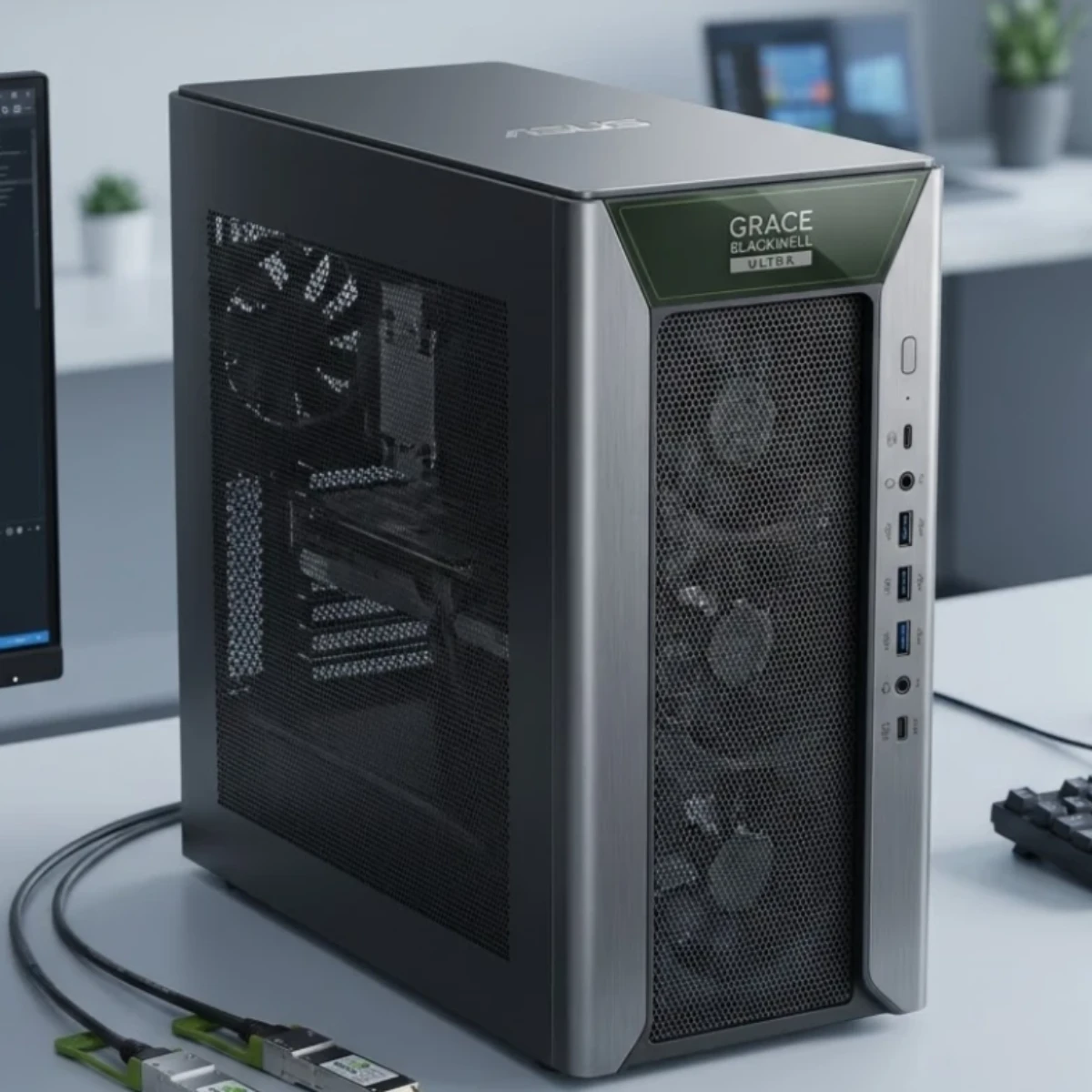
How Can the ASUS ExpertCenter Pro ET900N G3 Accelerate AI Development?
Explore ASUS ExpertCenter Pro ET900N G3 features, NVIDIA GB300 performance, 748GB coherent memory, and AI development capabilities in the UAE.
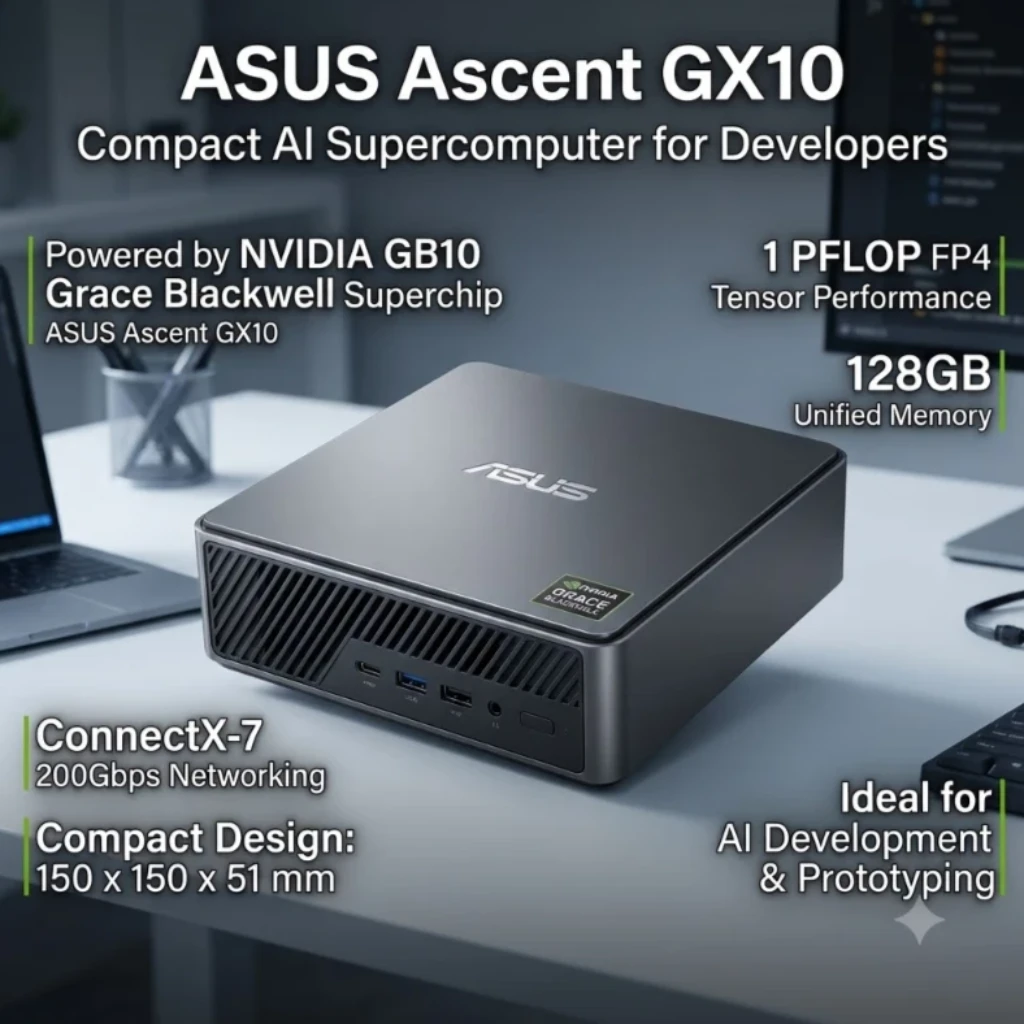
ASUS Ascent GX10: A Compact AI Supercomputer for Developers
Explore ASUS Ascent GX10 features, NVIDIA GB10 performance, 128GB unified memory, and AI development capabilities for professionals in the UAE.

How to Choose the Best AI Workstation in UAE for Your Business
Learn how to choose an AI workstation in UAE by comparing GPU, VRAM, CPU, RAM, storage, and configurations for your business.
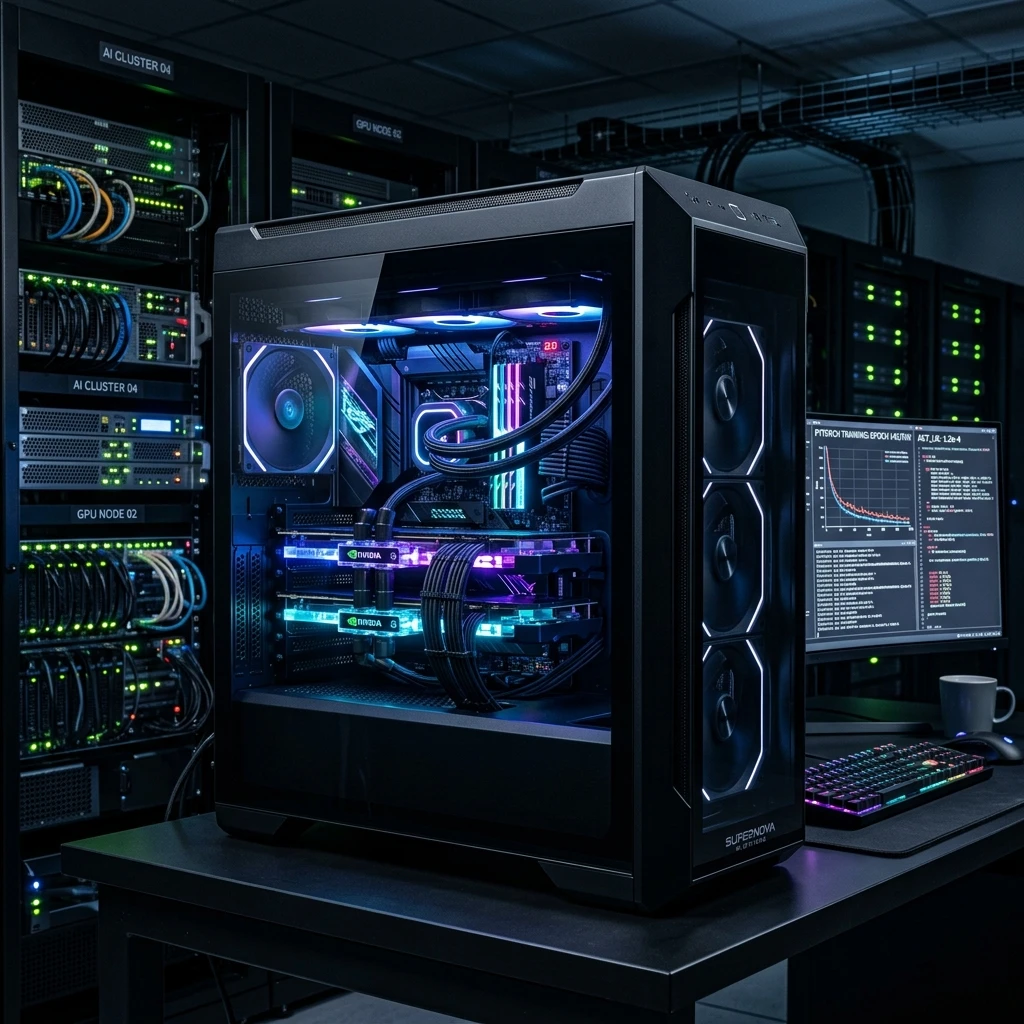
Forget the Cloud: The Best Local AI PC Custom Builds for UAE Developers!
Why rent GPU clouds? Read our technical guide on building local deep learning workstations, multi-GPU configurations, and high-VRAM AI setups.


