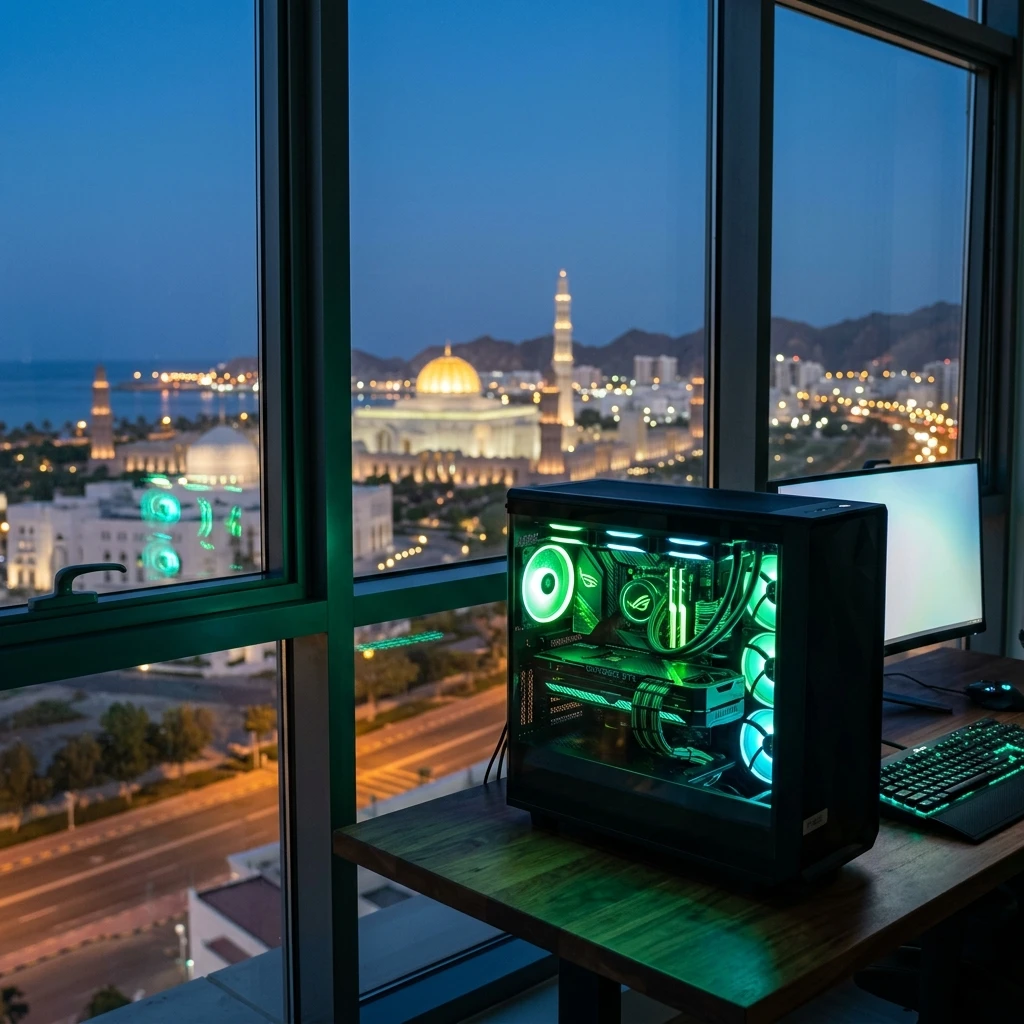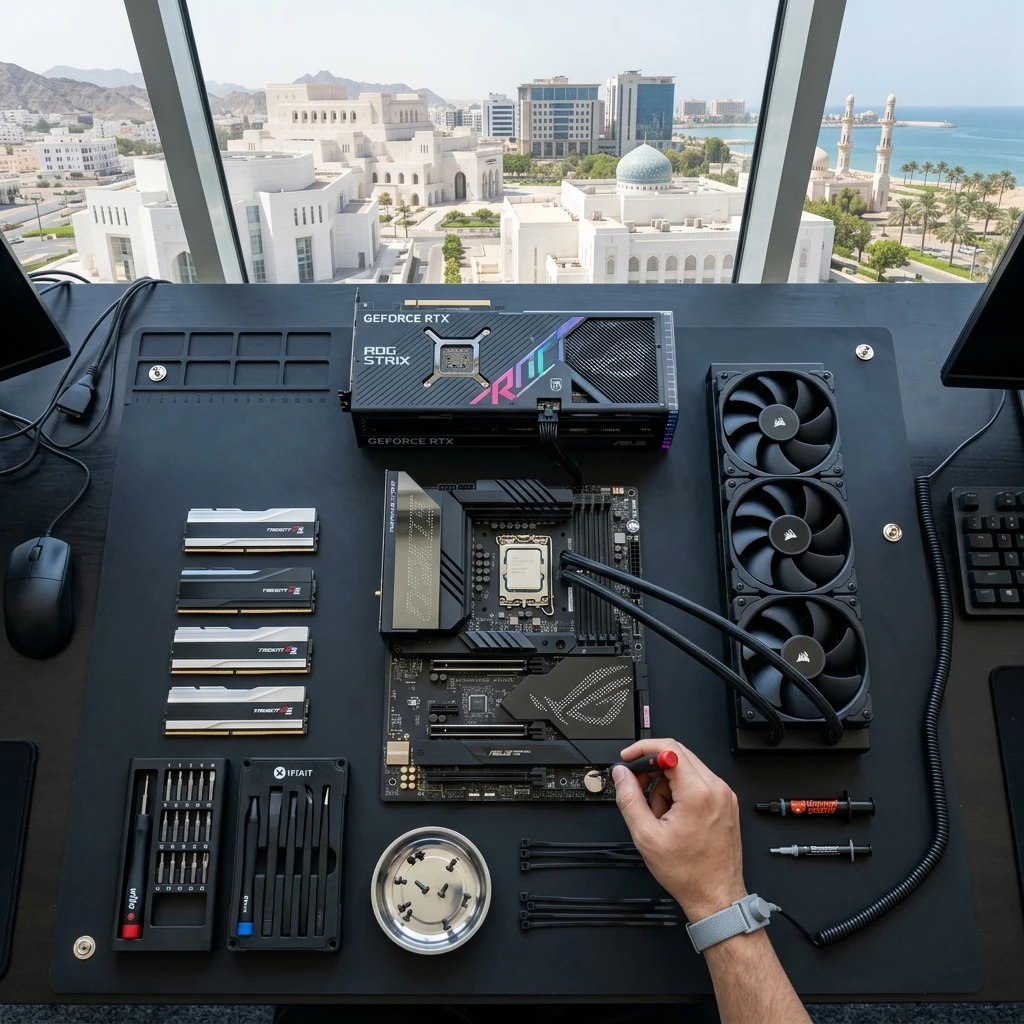
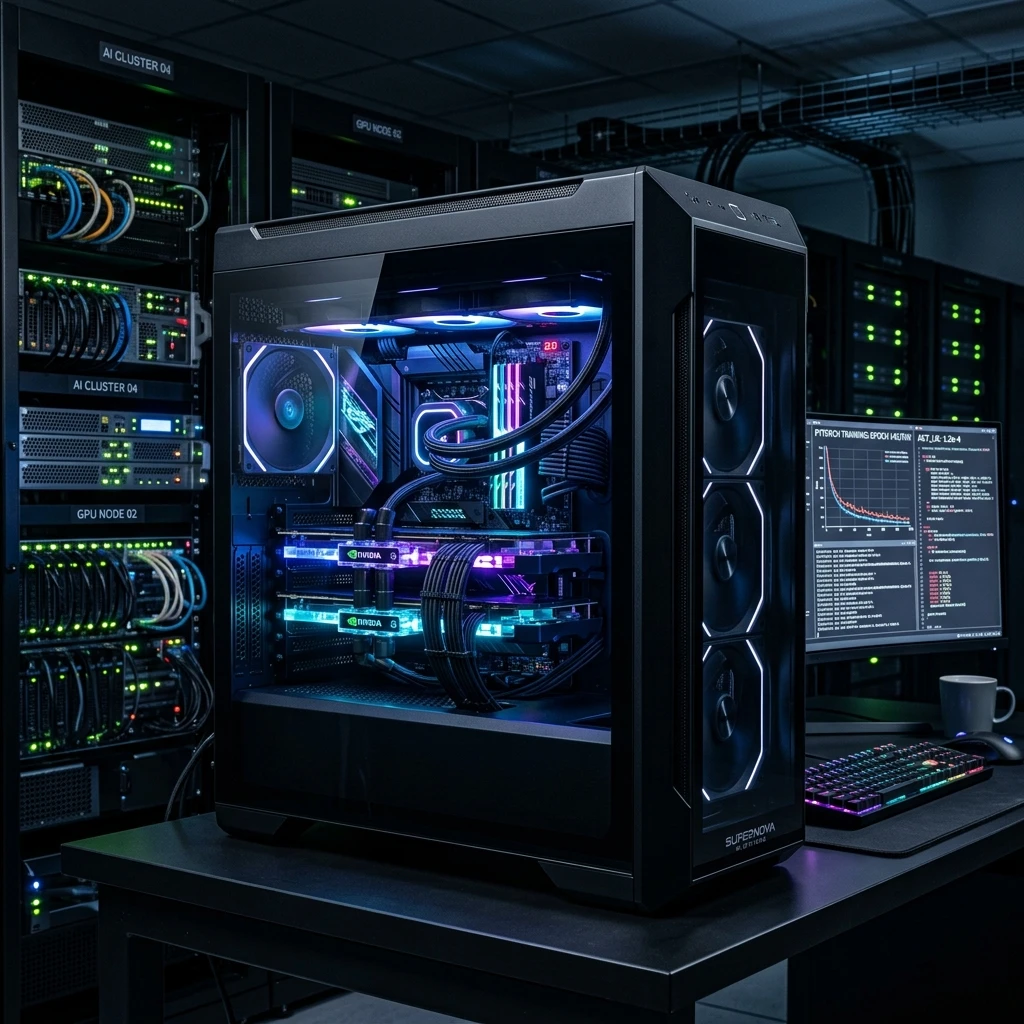
Artificial Intelligence and Machine Learning are undergoing a massive global explosion. For AI developers, machine learning researchers, and data engineers in Oman, configuring a high-end local AI PC in Oman has become an essential priority. While cloud-based compute models (like AWS and Google Cloud) are popular, the recurring subscription costs, high data ingress/egress fees, and strict privacy laws make local deep learning workstations a superior investment. In this structural design guide, we details how to configure a top-performance machine learning workstation right here in Muscat.
1. The Core Equation: VRAM is King
When designing a system for deep learning, your graphics card choice is governed by one key metric: Video RAM (VRAM). Deep neural networks, particularly Large Language Models (LLMs) and computer vision frameworks, must load their parameters directly into VRAM. If your dataset or model size exceeds your card's VRAM capacity, the system will fall back to system memory (RAM), resulting in training speeds dropping by up to 99%.
For entry-level developers playing with Stable Diffusion or small LLMs (like Llama-3-8B quantized), a GPU with 12GB or 16GB of VRAM is sufficient. However, for research teams training custom models or running dense transformer networks, 24GB of VRAM (found in the RTX 4090, RTX 5090, or professional Nvidia RTX 6000 Ada) is highly recommended. Multi-GPU setups—linking two or more GPUs—allow you to double your effective VRAM pool for massive parallel training runs.
2. CPU Architecture for Workstations
While the GPU handles model weight computations, the CPU is responsible for preparing datasets, parsing raw images, tokenizing text, and managing OS overhead. A weak CPU will bottleneck your GPU during training iterations. For AI workloads, you need a processor that offers both high core counts and a large number of PCIe lanes.
PCIe lanes determine the data bandwidth between your motherboard, GPU, and high-speed NVMe storage. AMD's Ryzen Threadripper and Threadripper PRO lines are the undisputed kings of AI workstation CPUs, offering up to 128 PCIe Gen5 lanes. This allows you to run multiple graphics cards at full x16 speed, ensuring unrestricted data transfer. For budget-conscious developers, Intel's Core i9 and AMD's high-end Ryzen 9 series provide excellent compute power for single-GPU setups.
3. System Memory and NVMe Storage Architectures
A good rule of thumb for AI workstations is to have at least double the system RAM compared to your total GPU VRAM. If you have a single 24GB GPU, aim for 64GB of high-speed DDR5 system RAM. If you are running dual GPUs (48GB VRAM total), configure at least 128GB of RAM. This prevents the system from running out of memory during data loading procedures.
For storage, high-speed read/write performance is critical when dealing with multi-gigabyte datasets containing millions of files. Traditional hard drives are completely obsolete here. You need a PCIe Gen5 or Gen4 NVMe M.2 SSD. Setting up a RAID 0 array using multiple SSDs can further boost read speeds, ensuring your GPU is never left waiting for data to load from disk.
4. Detailed Review of 5 Recommended Workstation PCs (In-Stock)
Here are the top 5 custom workstation systems designed for local AI processing, offering exceptional multi-GPU bandwidth and processing power:
1. Superb Workstation PC (Ryzen 9 9950X3D & RTX 5090)
Features the brand new AMD Ryzen 9 9950X3D gaming/compute processor, 96GB of fast DDR5 memory, and the monster RTX 5090 with 32GB of VRAM. It is the ultimate single-GPU deep learning workstation.
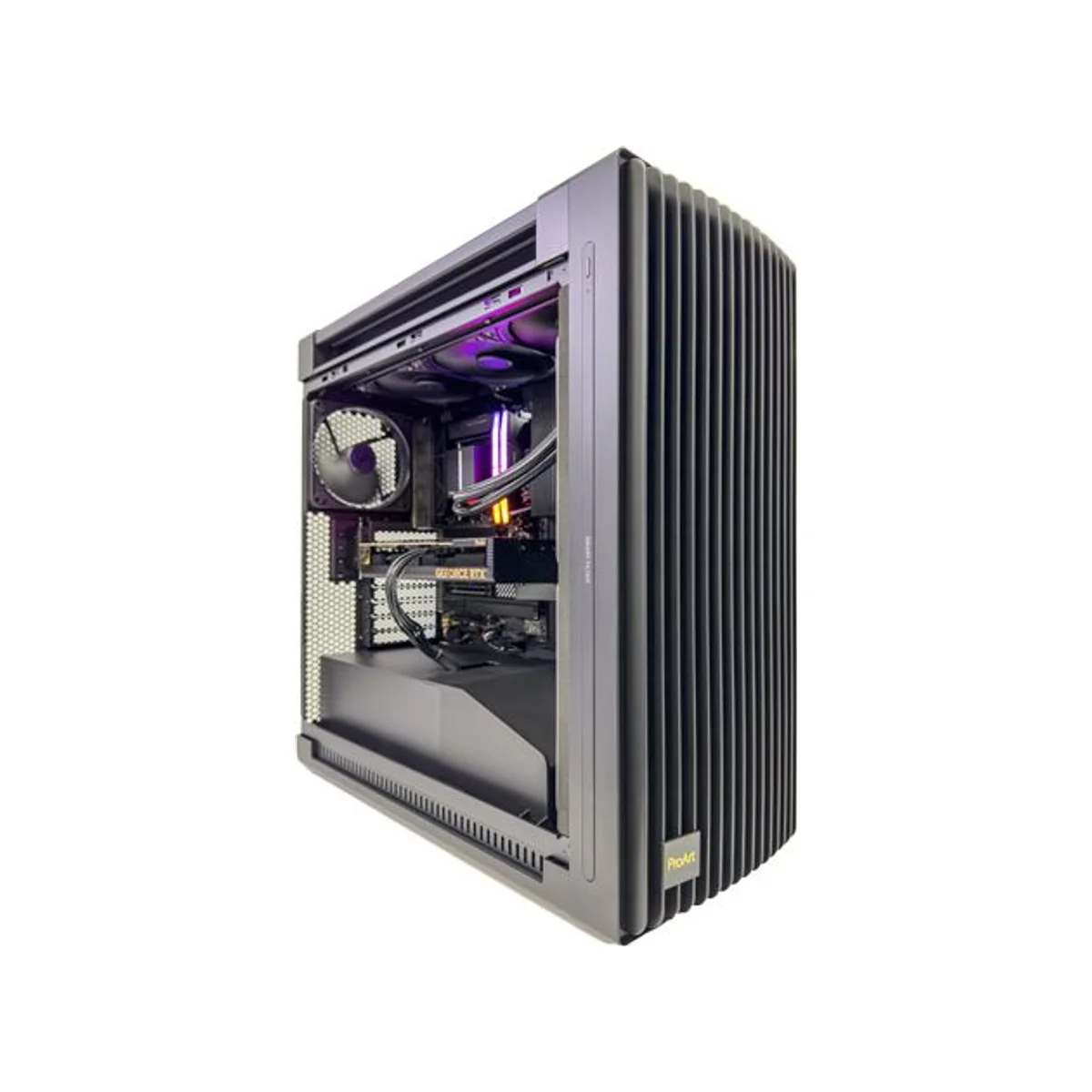

Superb Workstation PC (Ryzen 9 9950X3D, 96GB DDR5, RTX 5090 32GB) - Powered by ASUS - Superb_Workstation

Experience unparalleled performance with the Superb Workstation, featuring the AMD Ryzen 9 9950X3D and NVIDIA RTX 5090.
- AMD Ryzen 9 9950X3D Processor
- NVIDIA RTX 5090 32GB GDDR7 GPU
- 96GB DDR5 RAM
- 2TB Gen5 NVMe SSD
- ASUS ProArt Components
Buy now at best price in Oman.
2. Titan Workstation PC (AMD Threadripper & Quad RTX 6000 ADA)
Built for enterprise AI labs and deep neural network training. Features the AMD Threadripper Pro 5995WX CPU, 128GB of ECC RAM, and four professional Nvidia RTX 6000 ADA 48GB graphics cards for a massive VRAM pool.
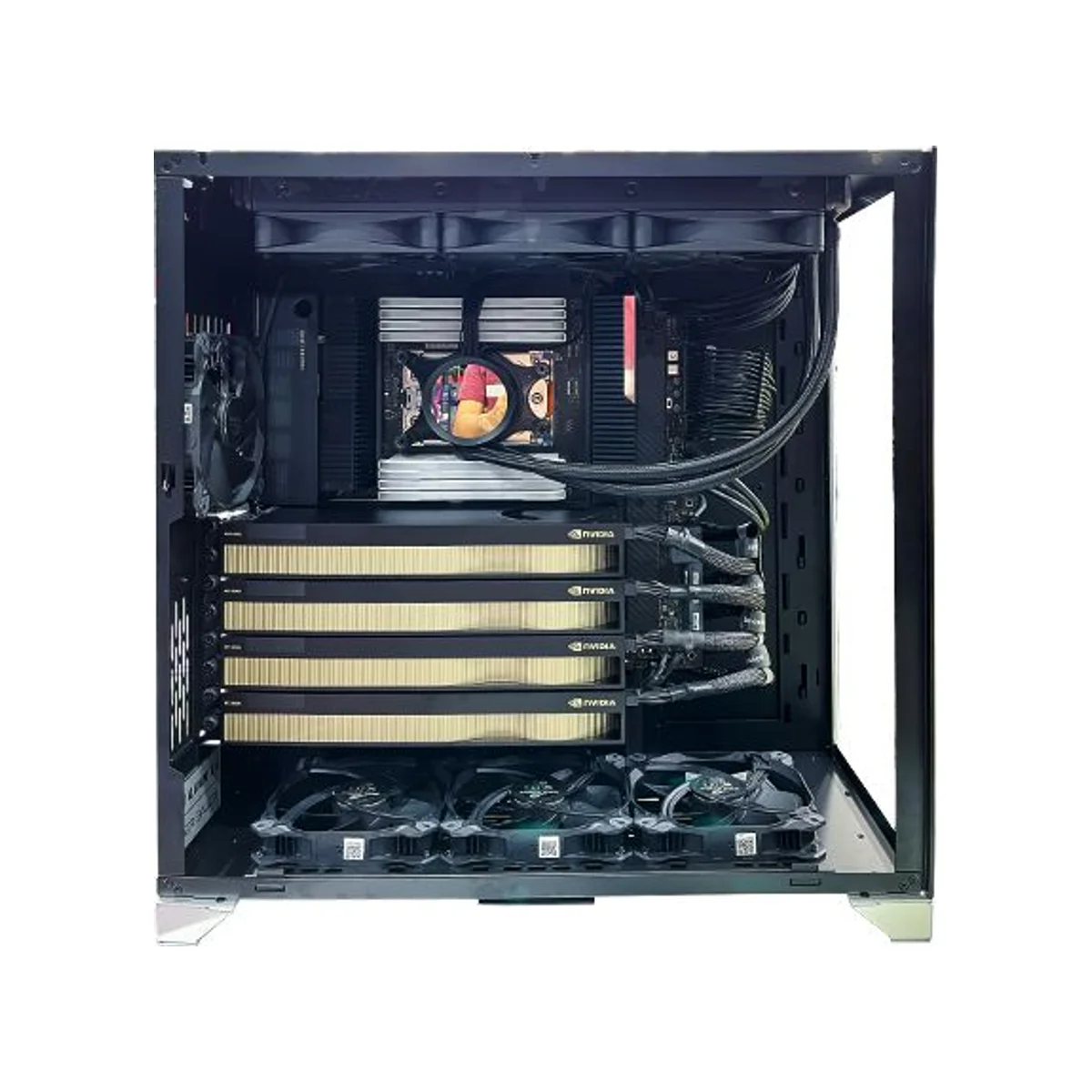
Titan Workstation Threadripper Pro 5995WX RTX 6000 ADA Workstation PC (128GB RAM, 4x RTX 6000 ADA 48GB GPU) - Titan_Workstation
Unleash unparalleled power with the Titan Workstation, featuring Threadripper Pro 5995WX, 128GB RAM, and 4x RTX 6000 ADA GPUs.
- AMD Ryzen Threadripper Pro 5995WX 64-Core CPU
- 128GB DDR4 RAM
- 4x NVIDIA RTX 6000 Ada Generation GPUs
- 4TB NVMe SSD
- 1650W Gold PSUs
Buy now at best price in Oman.
3. Origin Workstation Desktop (Core i7 & RTX 5060)
An affordable developer workstation featuring a Core i7-14700K processor, 32GB DDR5 RAM, and RTX 5060 8GB GPU. Ideal for entry-level machine learning model testing and local script development.


Origin Workstation Desktop (Core i7-14700K, 32GB DDR5, RTX 5060 8GB) - Origin_Workstation
Experience unparalleled performance with the Origin Workstation, featuring a powerful Core i7-14700K CPU, 32GB of DDR5 RAM, and an RTX 5060 8GB GPU.
- Intel Core i7-14700K Processor
- 32GB DDR5 RAM
- NVIDIA RTX 5060 8GB GPU
- 1TB NVMe SSD
- 750W 80+ Gold PSU
Buy now at best price in Oman.
4. HP Z2 Mini G9 Workstation (Core i9-14900 & Quadro T400)
An ultra-compact desktop workstation utilizing the high-performance Intel Core i9-14900 CPU, 16GB RAM, 1TB SSD, and Nvidia Quadro T400. Perfect for small spaces and basic dataset loading.

HP Z2 Mini G9 Workstation Desktop PC (Intel Core i9-14900, 16GB RAM, 1TB SSD, 4GB NVIDIA Quadro T400) - HP-Z2-Mini-G9-i9-14900

Experience unparalleled performance with the HP Z2 Mini G9 Workstation.
- Intel Core i9–14900 Processor
- 16GB DDR5 Memory
- 1TB SSD Storage
- 4GB NVIDIA Quadro T400 Graphics
Buy now at best price in Oman.
5. HP Z2 Tower G1i Workstation (Intel Ultra 9 285K)
Features the brand new Intel Ultra 9 285K processor, 16GB RAM, and 1TB NVMe SSD. It offers a spacious tower design allowing for easy future upgrades to dual-GPU or high-VRAM graphics cards.

HP Z2 Tower G1i Workstation Desktop PC (Intel Core Ultra 9 285K, 16GB RAM, 1TB SSD) - HP-Z2-G1i-Ultra-9-285K
Elevate your professional workflow with the HP Z2 Tower G1i Workstation. Featuring a powerful Intel Core Ultra 9 285K processor, 16GB DDR5 RAM, and a fast 1TB SSD.
- Intel Core Ultra 9 285K Processor
- 16GB DDR5 RAM
- 1TB PCIe M.2 SSD
- Integrated Intel Graphics
- Windows 11 Pro Ready
Buy now at best price in Oman.
5. Cooling, Power Delivery, and Chassis Design
AI workloads will run your GPU at 100% capacity for hours or even days at a time. This continuous load generates a massive amount of heat. In Muscat's warm climate, your workspace must have active air conditioning, and your workstation chassis must utilize high-airflow fans. Liquid-cooled hybrid GPUs or custom loop cooling are excellent choices to keep GPU core and memory junction temperatures low.
Power delivery is another critical factor. A dual-GPU workstation can easily pull over 1,000 watts under full load. You must use a titanium or gold-certified Power Supply Unit (PSU) rated for at least 1200W or 1600W. Always connect your workstation to a high-quality Uninterruptible Power Supply (UPS) to protect your expensive hardware from power fluctuations and sudden outages.
Frequently Asked Questions (FAQ)
Q1: Why should I build a local AI PC rather than rent cloud GPUs?
A local AI PC eliminates recurring cloud rental costs, speeds up dataset access times, avoids data security issues, and allows for local offline testing.
Q2: Can I run multiple GPUs in my workstation?
Yes, provided your workstation motherboard and CPU offer sufficient PCIe lanes (e.g. AMD Threadripper) and your PSU is rated for the high power draw.
Q3: How much system RAM does my AI workstation need?
We advise configuring at least double the system RAM relative to your graphics card's total VRAM pool to prevent out-of-memory errors during data parsing.
Ready to custom build your workstation? Open our interactive PC builder tool or check other tech news in the GCC Gamers news hub.