
Gigabyte M27Q P in Saudi Arabia Buy 27″ IPS Gaming Monitor

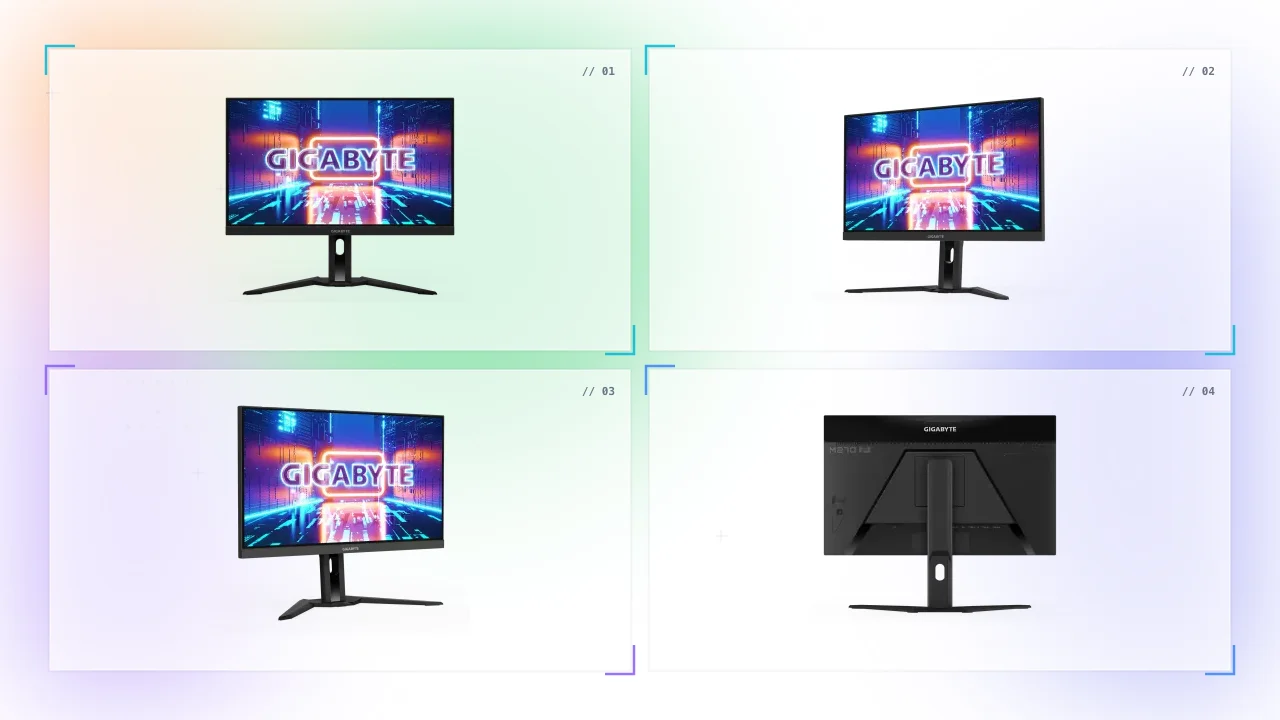
Introducing in the {Saudi Arabia} the WORLD'S FIRST 27-inch Gigabyte M27Q P super-fast gaming monitor.
You may enjoy a smooth gaming experience with detailed displays thanks to high resolution and quick refresh rates, With GIGABYTE OSD Sidekick, you may customize the display settings.
Monitor is frequently ignored since it plays an unnoticed role. The fact is that displays generate a synergistic effect and enhance the performance of PC components. Users may actually enjoy upscale performance without the need for extravagance thanks to the best characteristics and quality offered by GIGABYTE gaming monitors.
Gigabyte M27Q P 27″ IPS Gaming Monitor Features
Full of attractive characteristics, your ideal gaming companion.
Gaming monitor from GIGABYTE has a unique stand with a wide range of height and tilt adjustments that is ergonomically constructed.
- Perfect viewing angle
- Ergonomically designed to offer extensive range
- Intensity Like Never Before
- Rich connectivity
- OSD Sidekick
- Stylish design
- Adjust monitor settings
- Support display port
The amount of data transfer bandwidth required to concurrently achieve the quickest refresh rate, full color depth.
In an era where technology is advancing quickly, are you still using a PC that runs poorly? Gigabyte M27Q P 27 : Step up in the {Saudi Arabia}.
The minimalist design embraces the Gigabyte M27Q P gaming monitor in {Saudi Arabia} design concept of simplicity, and the matte surface and sturdy stand were created for extra functional and esthetic benefits.
GIGABYTE OSD Sidekick makes adjusting monitor settings simple by enabling you to do so while using a keyboard and mouse. The best features and quality are available with GIGABYTE gaming monitors, allowing customers to experience upscale performance without going overboard. There is no easier way to switch between devices than with the special KVM button!
Gigabyte M27Q P 27″ IPS Gaming Monitor Specs
With its amazing attributes, your eyes are now filled with anticipation.
The display aids in the creation of an expansion of the color gamut, providing noticeably more bright in-game colors. This is done by using a layer of nanoparticles.
| Panel Size (diagonal) | 27”SS IPS |
| Display Viewing Area (HxV) | 596.736 x 335.664 mm |
| Panel Backlight/ Type | Edge |
| Display Surface(non-glare/ glare) | Non-glare |
| Color Saturation | 98% DCI-P3 |
| True Resolution | 2560 x 1440(QHD) |
| Pixel Pitch | 0.2331(H) x 0.2331(V) mm |
| Brightness | 400 cd/m2(TYP) |
| Contrast Ratio | 1000:1 |
| Viewing Angle | 178°(H)/178°(V) |
| Display Colors | 10 bits(8 bits + FRC) |
| Response Time | 1ms GTG |
| Refresh Rate | 165Hz/OC 170Hz |
| HDR | VESA DisplayHDR400 |
| Flicker-free | Yes |
| HBR3 | Yes |
| Connectivity |
|
| Speaker | 3W x 2 |
| Unique Features | OSD Sidekick ** Aim Stabilizer Sync Black Equalizer Dashboard Crosshair Timer Counter PiP/PbP Auto-Update KVM 6 axis Color Control Smart OD HDMI CEC Apply Picture Mode |
| Power Type | Power Board Build-in |
| Power Consumption | 28W* |
| Power Saving Mode | 0.5W |
| Power Off Mode | 0.3W |
| Voltage | 100~240Vac |
| Tilt(angle) | -5°~+20° |
| Swivel(angle) | N/A |
| Pivot(angle/direction) | N/A |
| Height Adjustment (mm) | 130 mm |
| VESA Wall Mounting(mm) | 100*100 mm |
| Kensington lock | Yes |
| Phys. Dimension with Stand(WxHxD) | 615.7*517.49*229.33 mm |
| Phys. Dimension w/o stand (WxHxD) | 615.7*371.15*59.9 mm |
| Box Dimension (WxHxD) | 738*222*509 mm |
| Net Weight with stand (Esti.) | 6.7 kg |
| Net Weight without stand (Esti.) | 4.9 kg |
| Gross Weight (Esti.) | 10.05 kg |
| Accessories |
Power cable/HDMI cable/DP cable/USB cable/QSG/Warranty card |
FAQ
There are various answers that can be learned. assemble the inquiries. Explore the Gigabyte M27Q FAQs for answers.
Does the Gigabyte M27Q 27 have G Sync?
The Gigabyte M27Q P is compatible with both FreeSync and G-Sync.
What is Gigabyte OSD sidekick?
The quickest approach to change monitor settings is with GIGABYTE OSD Sidekick, which lets you change the display choices using the keyboard and mouse.
Does Gigabyte M27Q 27 work with nvidia?
The Gigabyte M27Q is a FreeSync gaming monitor, but it also works flawlessly with Nvidia's G-Sync Compatible Mode.
Does Gigabyte M27Q have FreeSync?
It has a KVM switch that enables quick control of various devices. Experience detailed display quality with 0.5ms reaction time and 170Hz refresh rate thanks to AMD FreeSyncTM Premium technology.
Discussion (0)
No comments found.
Post a Comment
Your email address will not be published.
Related Articles
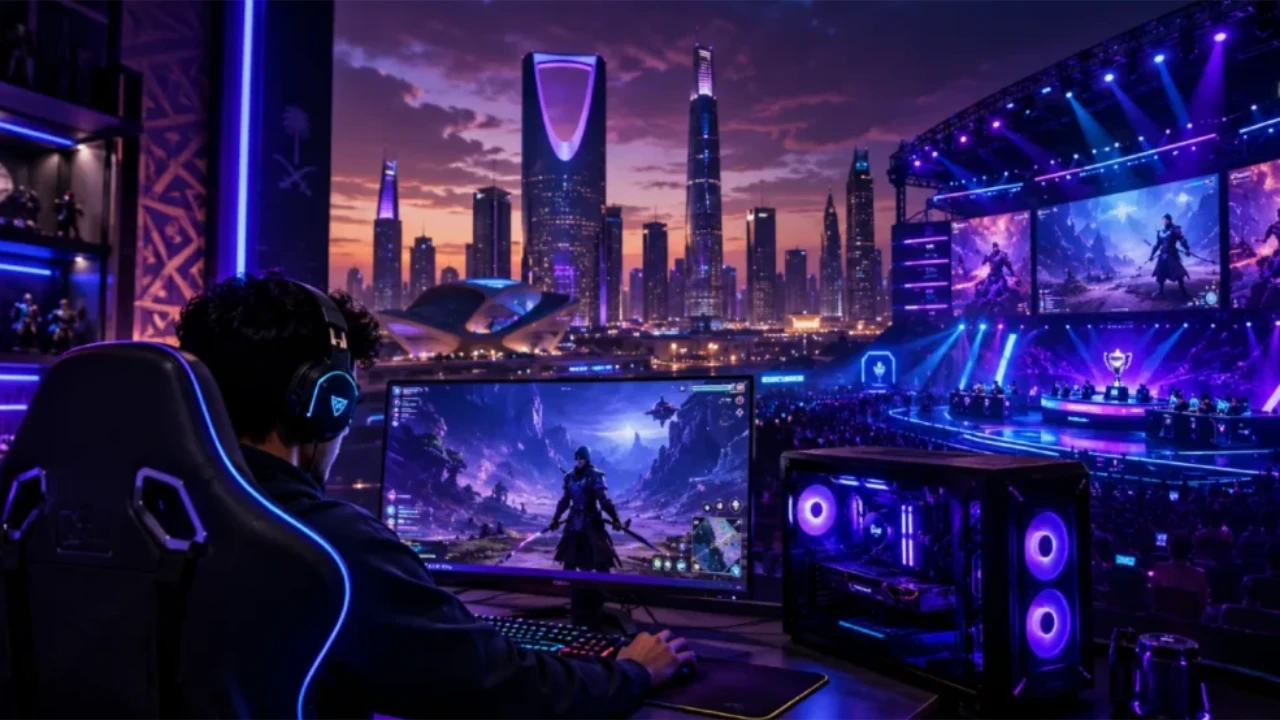
Kingdom Gear: Elevating the Saudi Gaming Experience
The ultimate guide to Gaming Accessories & Peripherals for the SA community. Focusing on Audio and ergonomic furniture with expert insights from GCC Gamers.
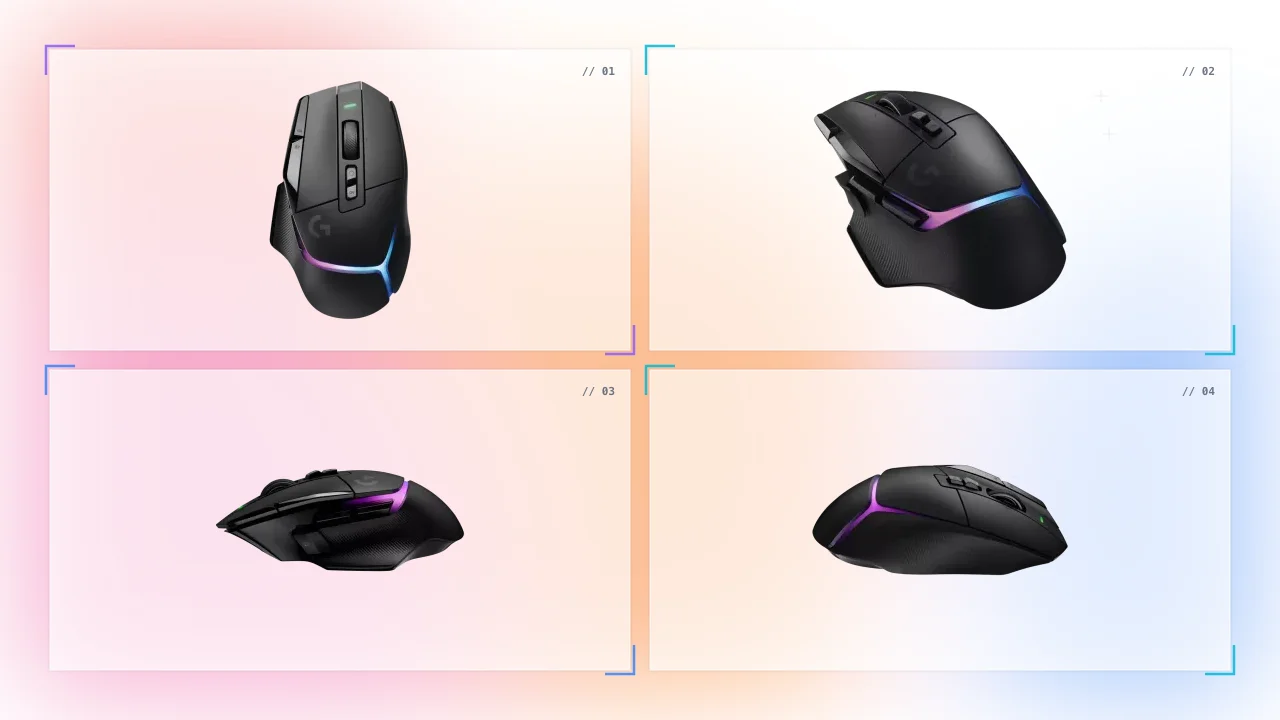
Logitech G502 X Plus in Saudi Arabia Buy Black Gaming Mouse
Are you tired of using a mouse that doesn't keep up with your fast-paced gaming sessions? It can be frustrating to lose a game due to slow response times or...
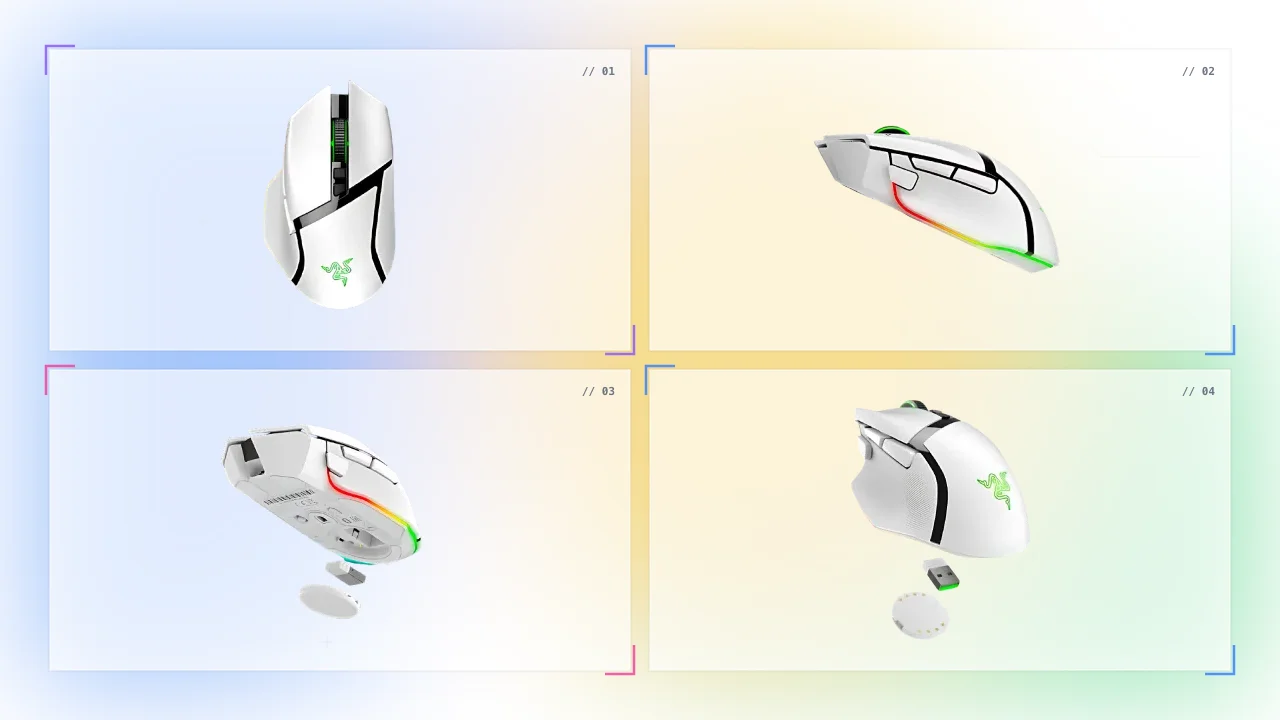
Razer Basilisk V3 Pro in Saudi Arabia Buy White Gaming Mouse
Are you tired of using a gaming mouse that lacks precision and customization options? Nothing is more frustrating than not being able to control your gaming...
Glorious Model D Minus in Saudi Arabia Buy Gaming Mouse - Matte White
Tired of heavy and uncomfortable gaming mice? Heavy and uncomfortable gaming mice can negatively impact your gaming performance and cause discomfort during long...


